Start with the map.
Find project locations and view the flights recorded at each place.

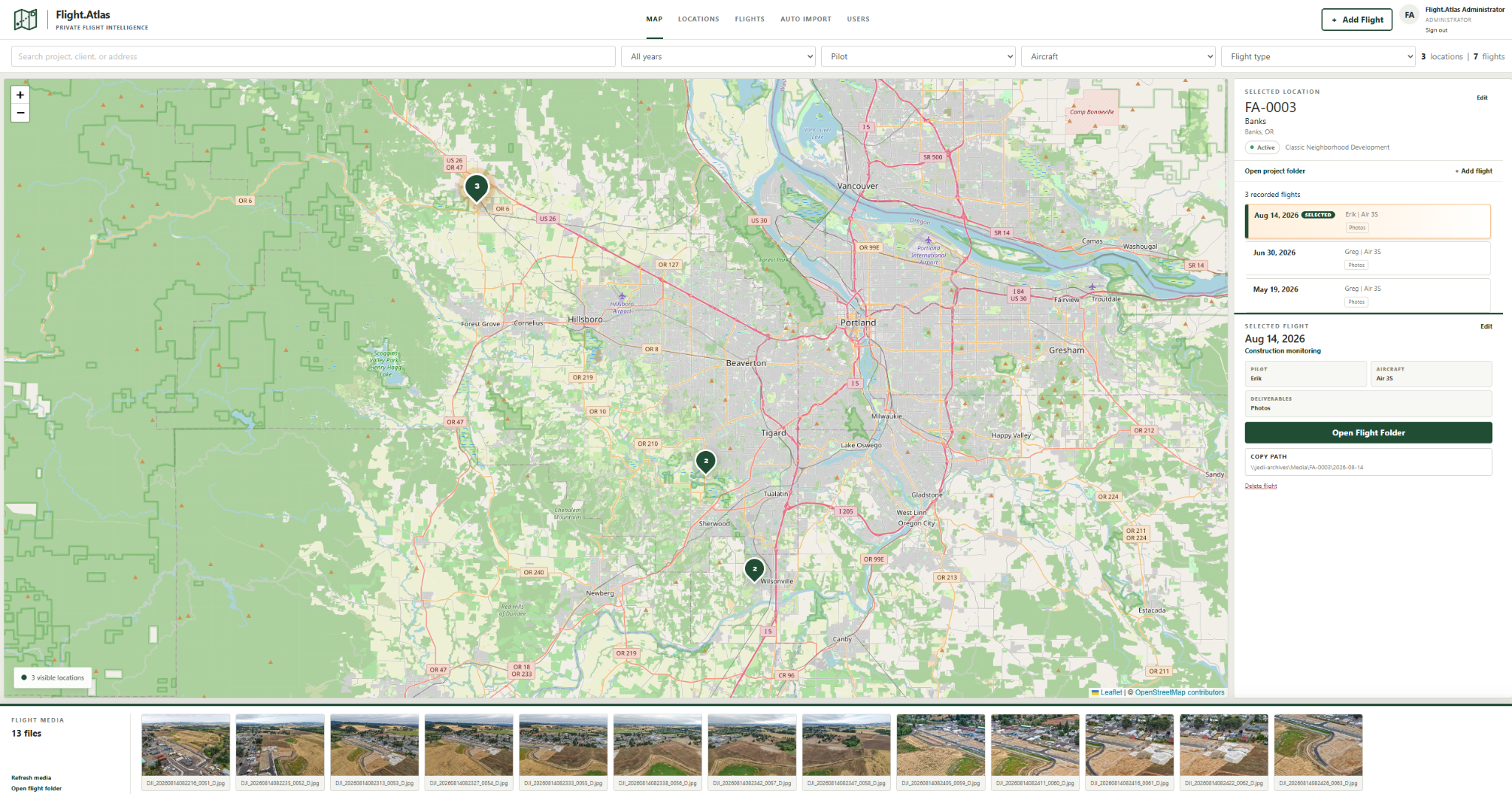
Find a place. Pick a flight. Reach the work.
Drone project organization on your own server.
A growing archive of flights shouldn’t mean a growing search through folders.
Flight.Atlas organizes records by location and date, giving your team a consistent starting point for flight details, imagery, and links to project files.
Find project locations and view the flights recorded at each place.
Keep the flight date, pilot, aircraft, flight type, and description with the record.
Browse imagery and follow links to project files from the selected flight.
Explore the map, imagery, flight records, and import workflow. Select any screenshot to view it full size.
See project locations, flight history, and imagery together on the map.
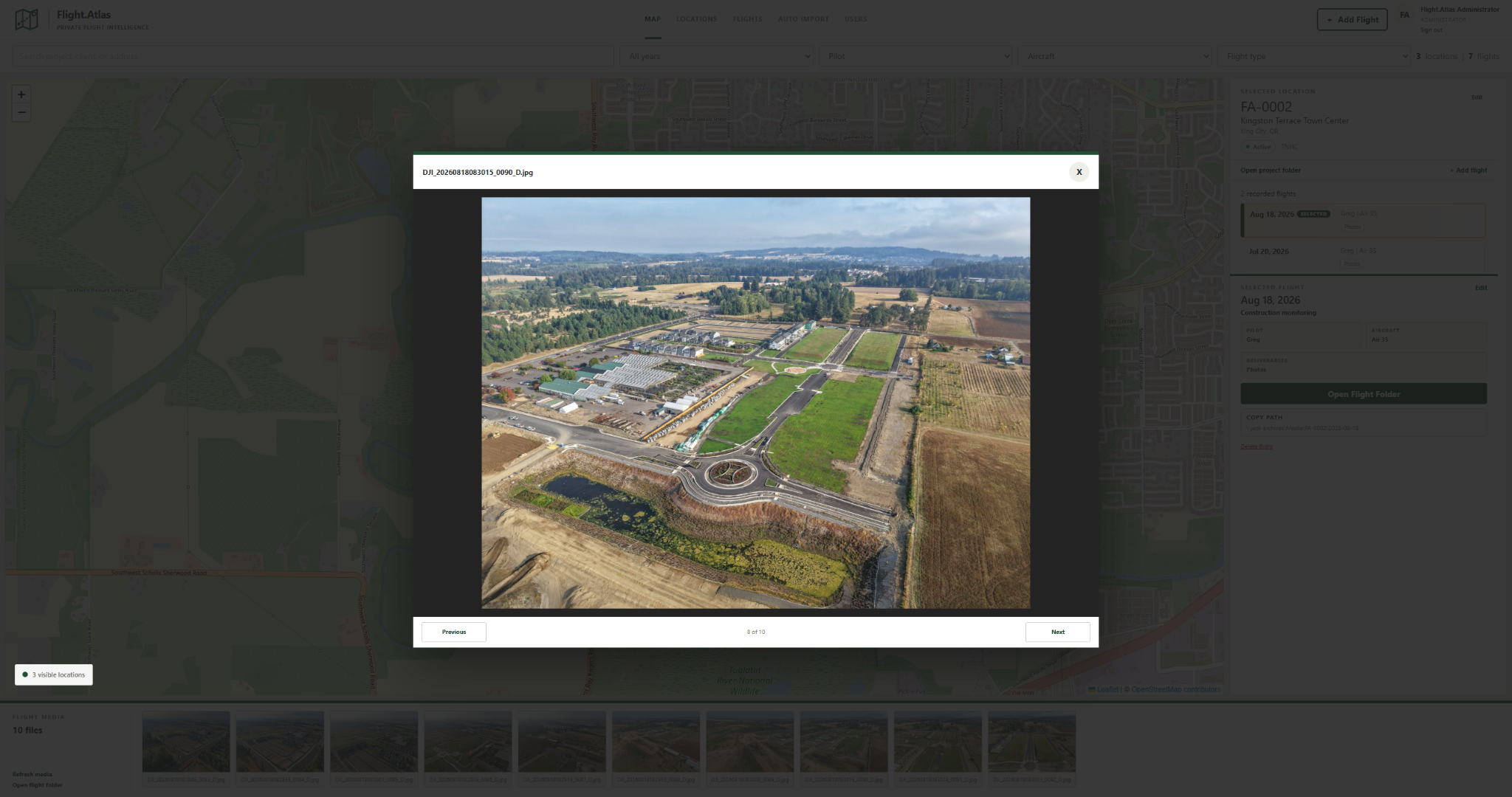
Browse flight photography without losing the project context.
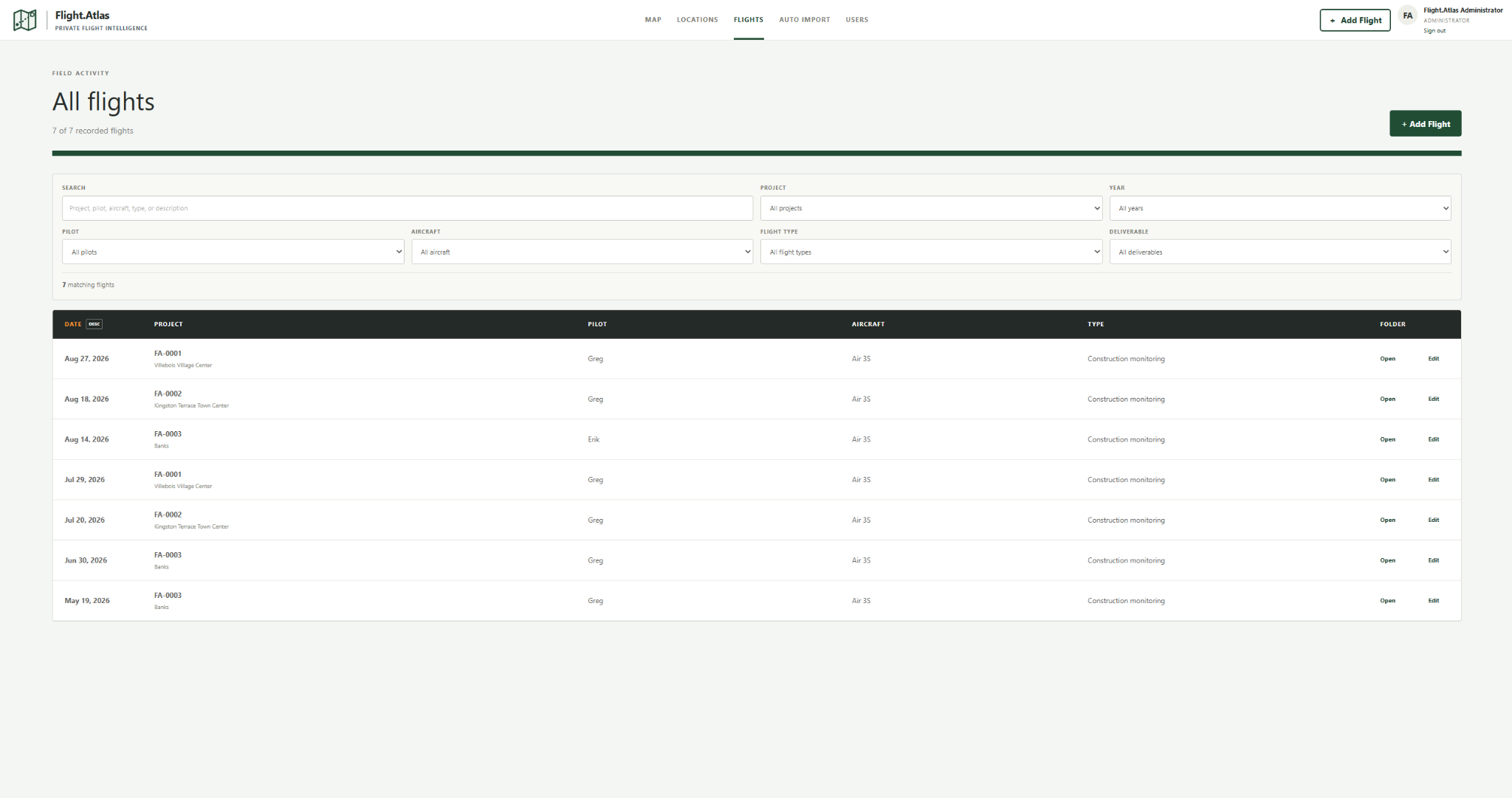
Filter records by project, year, pilot, aircraft, flight type, and deliverable.
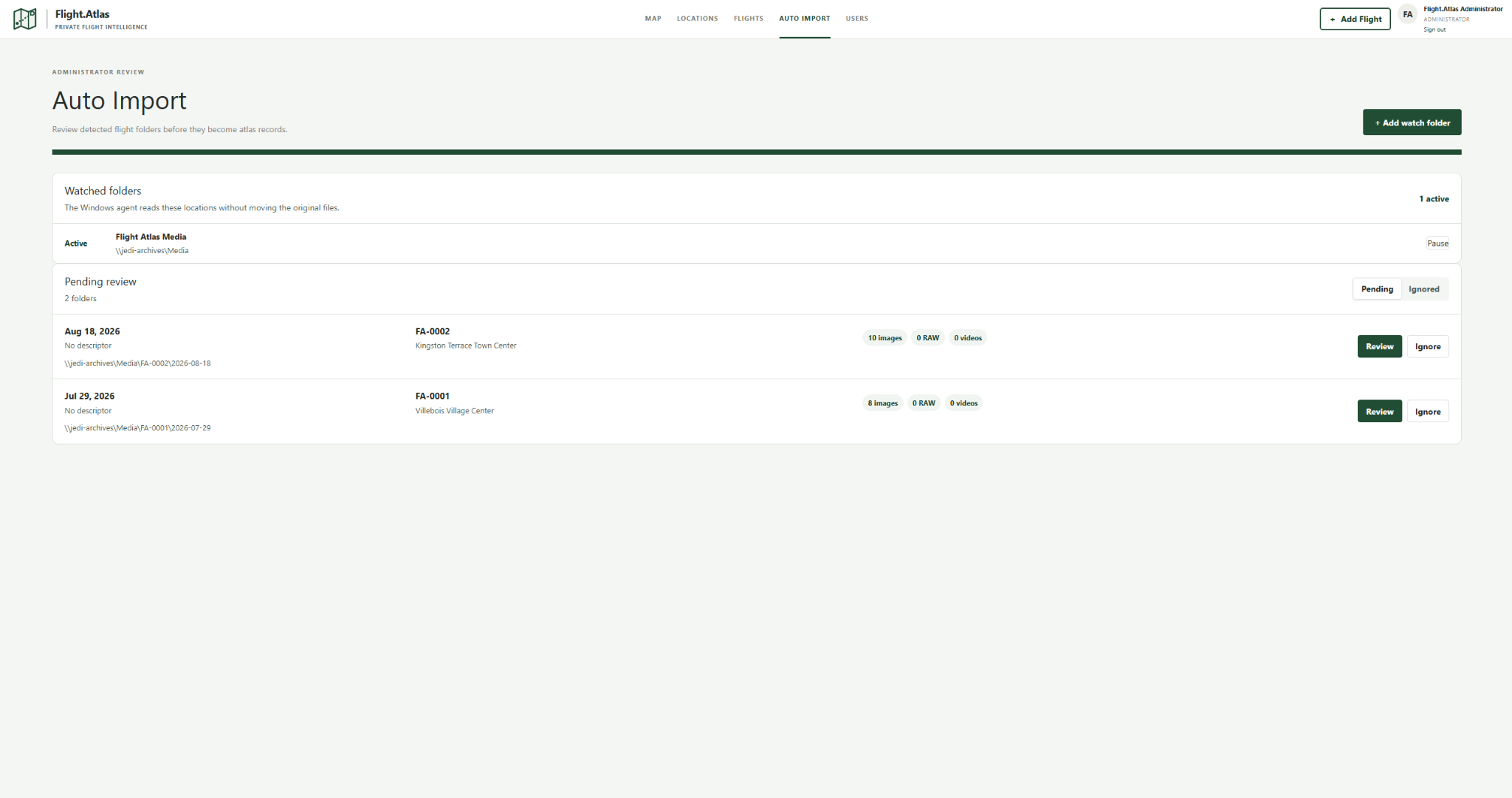
See detected flight folders in an administrator review queue.
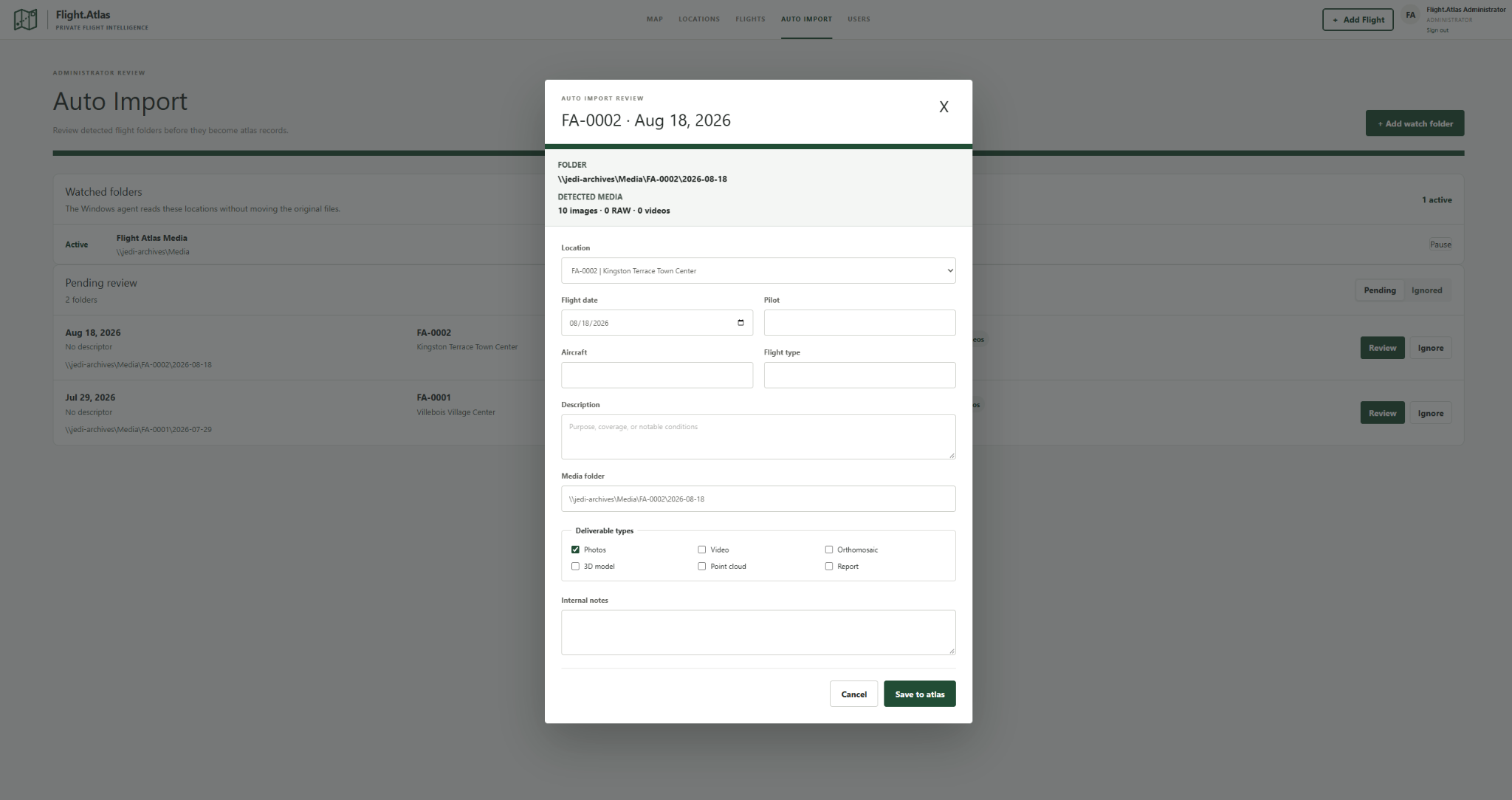
Review the location, date, media path, and flight details before saving to the atlas.
A review-first import workflow.
Watched folders identify incoming flight material for administrator review. Confirm the location, complete flight details, and choose deliverable types before saving the record.
Included in Flight.Atlas 1.0.0.
$29.99 USD
Single-server license with no recurring subscription. Download Flight.Atlas 1.0.0 and the installation guide after checkout.
No. The $29.99 USD price is a one-time purchase for one server installation, with ongoing use of the purchased version and all updates within version 1.x.
Email support for installation and product issues is included. Contact info@solvekinetic.com. Custom network setup and IT administration are priced separately.
Flight.Atlas includes a 30-day money-back guarantee. Email info@solvekinetic.com with your order number and a description of the problem. We may offer reasonable installation assistance before completing the refund.
Flight.Atlas is a downloadable application installed on a server you manage. Other computers access it through a browser on your local network or through your VPN.
Yes. Purchase Flight.Atlas through our secure Gumroad checkout and download the software and installation guide immediately afterward.
Local media storage is supported. If other computers need to open flight folders, configure an accessible Windows or NAS share with the appropriate permissions. The installation guide explains server storage, shared paths, and client setup.